Make music in your browser.
Write a song, hear it played back with real instrument sounds, and print the sheet music. Free, with no account.
Open the app
The app opens with a demo song, so you can press Play straight away.
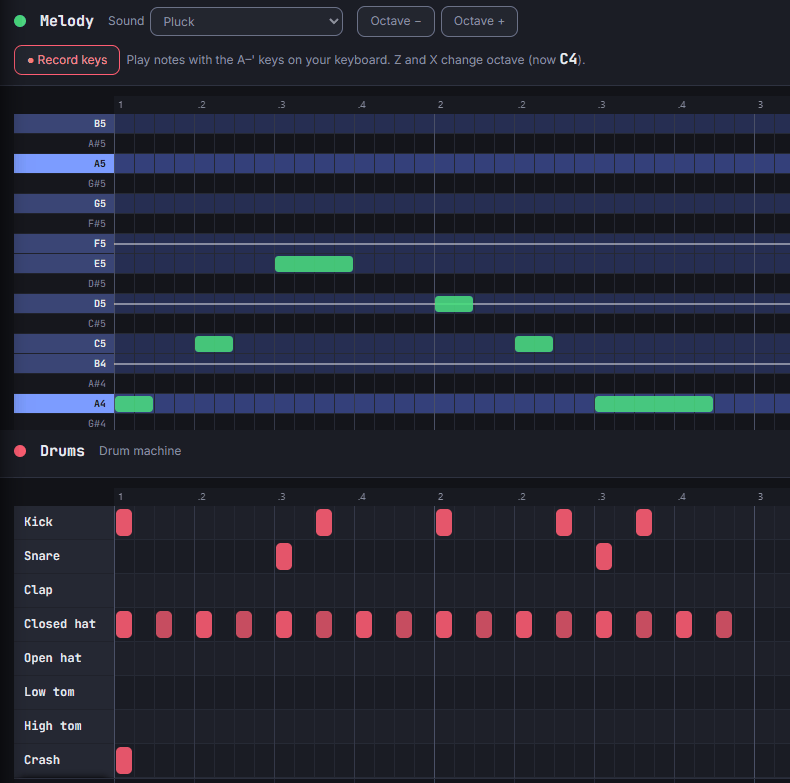
- WriteClick notes onto a piano roll or a drum grid.
- HearPress Play and listen with real instrument sounds.
- PrintSee the sheet music, then print it or save a PDF.
What you can do
- Play notes on your computer keyboard and record them into a track.
- Hear it with 20 instrument sounds, or load your own SoundFont.
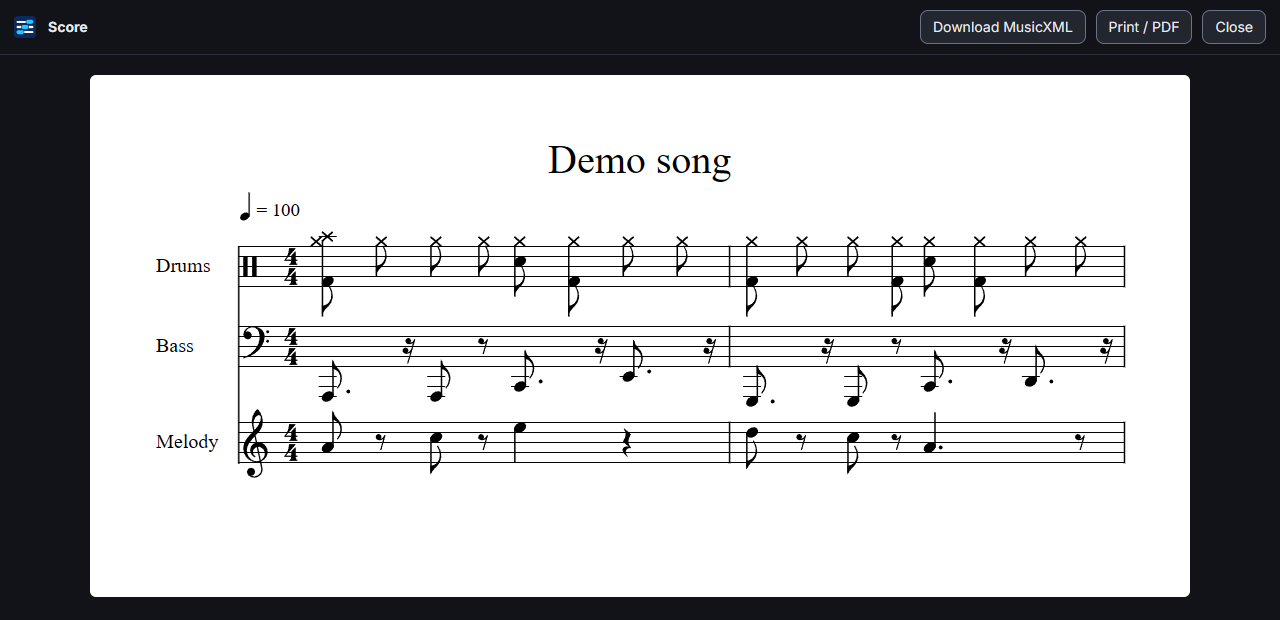
- See it as sheet music while you write, then print it or save it as a PDF.
- Bring in and send out MIDI, WAV and MusicXML files, or export one part for one player.
- Opens in your browser on a computer or a phone, and works offline once you have opened it. Install it from your browser like an app.
See it as sheet music
Your song appears as a score while you write. Print it or save it as a PDF.
Free, no account
Your songs stay on your device. There is nothing to sign up for. Save a backup file whenever you like.
Plans, coming later
Two more plans are planned. Neither is available yet.
- Pro: for people who want more, such as listen-only share links and saving to the cloud.
- Class: for teachers and schools.
We will say here when they are ready.
Privacy
No ads and no tracking cookies. Your songs stay in your browser. Read the privacy page.